
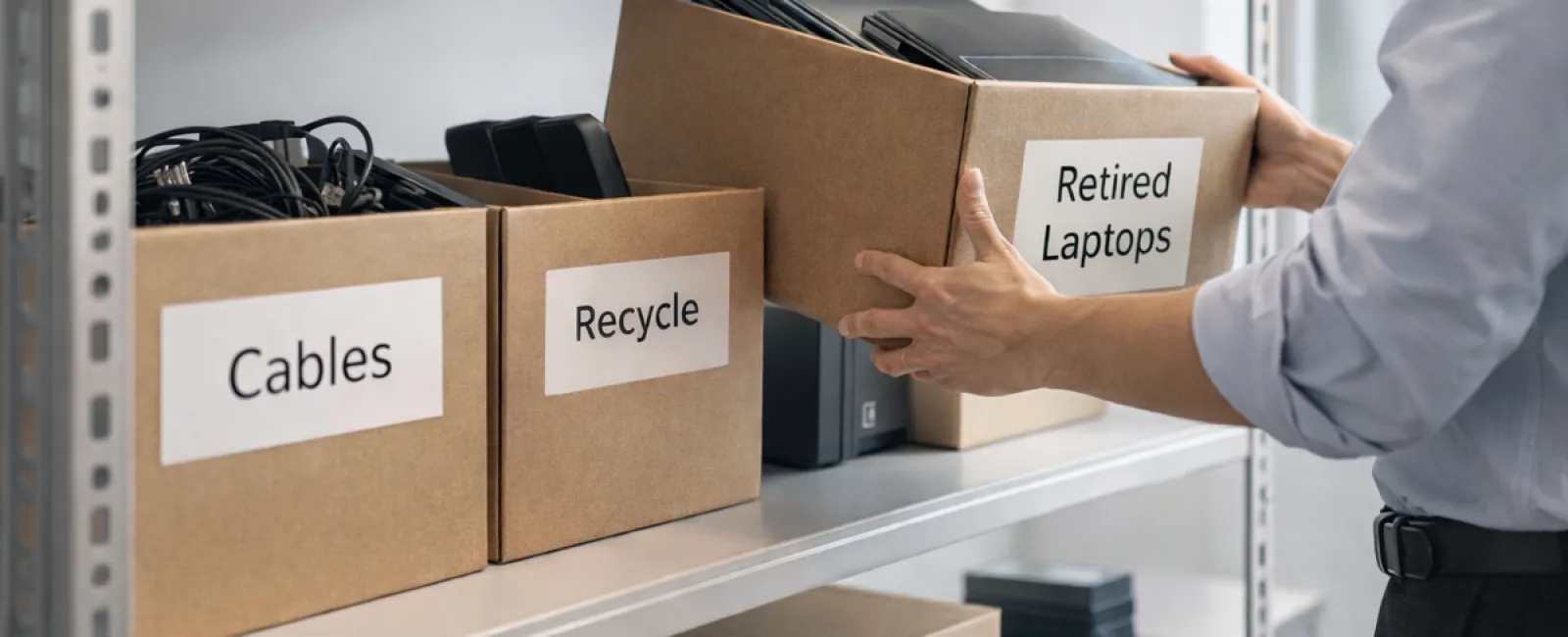
When it comes to spring cleaning, businesses often focus on closets, but the real clutter usually hides elsewhere.
Yes, some might be tangled in server racks, but much of it often piles up in storage rooms, back offices, or simply shoved into boxes marked "we'll deal with that later."
Old laptops, obsolete printers, backup drives from several upgrades ago, and stacks of cables kept "just in case" accumulate over time.
Every business faces this challenge.
The real question is not if you have clutter, but whether you have a smart plan to manage it.
Technology Follows a Lifecycle — Beyond Just Buying It
Purchasing new tech usually comes with clear motives: enhanced speed, security, capability, or business growth.
While many companies thoughtfully plan technology purchases, few map out how to retire outdated equipment effectively.
Typically, retiring tech is a low-key event: a device gets replaced, tucked away, and eventually someone clears the space.
This is common, but not ideal.
What's uncommon is handling technology retirement with the same care and strategy as its acquisition.
Old devices still hold value, reusable parts, and may contain sensitive data. Letting them linger only creates space issues and distractions.
Spring presents the perfect moment to evaluate: what's still useful, and what's merely occupying space?
Four Steps to a Streamlined Tech Cleanup
To move beyond vague intentions, adopt this straightforward four-step method.
Step 1: Catalog Your Devices
Identify exactly which equipment is due for retirement — laptops, phones, printers, networks, external drives? You can't manage what you don't know exists. A quick inventory often uncovers surprising finds.
Step 2: Choose the Proper Path
Devices typically fit into three categories: reuse (either internally or through donations), recycle (via certified e-waste programs), or destroy (when sensitive data demands it). The key is making deliberate decisions to avoid accumulating forgotten hardware.
Step 3: Prepare Devices Carefully
Discipline here pays off greatly.
For reuse or donation, remove devices from management systems, revoke access, and execute thorough data wiping—not just factory resets. Simple deletions or quick formats don't truly erase data; they merely obscure it.
Research from Blancco shows 42% of drives sold on eBay still had sensitive info despite sellers claiming wipes. Certified erasure tools overwrite all data and provide verification.
For recycling, rely on certified e-waste vendors; avoid dumping devices in regular trash. Programs like Best Buy's recycling are limited to household use, excluding businesses.
Businesses should seek IT asset disposition (ITAD) companies or certified recyclers with e-Stewards or R2 credentials (directories available at e-stewards.org and sustainableelectronics.org). Your IT provider can usually help coordinate this.
If destruction is necessary, opt for certified data wiping or physical destruction methods like shredding or degaussing, and keep detailed records of the procedure.
This approach isn't paranoia; it's smart closure.
Step 4: Record and Proceed
After the equipment leaves your premises, ensure you document its destination, handling process, and confirmation that access was revoked, eliminating lingering doubts.
Devices That Often Get Overlooked
Laptops usually get the spotlight, but many other devices deserve attention.
Phones and tablets often retain email accounts, contacts, and authentication apps. Factory resets handle much, but business devices benefit from certified mobile wipe tools. Plus, manufacturers like Apple and Samsung offer trade-in credits, even on older models.
Modern printers and copiers frequently contain internal drives that store copies of printed, scanned, or faxed materials. When returning leased equipment, request written confirmation the hard drive will be wiped or removed before redeployment.
Batteries are classified as potentially hazardous waste. Several states—including California, New York, and Minnesota—prohibit businesses from disposing rechargeable batteries in regular trash. Remove batteries if possible, tape terminals to prevent shorts, and take them to certified drop-off points. Resources like Call2Recycle.org and stores like Staples, Home Depot, and Lowe's accept rechargeable batteries.
External drives and old servers often linger in storage longer than needed but should be processed just like other retired tech.
Why Responsible Recycling Matters
Earth Day brings a timely reminder—discarded electronics should never end up in landfills.
The world generates more than 62 million metric tons of e-waste annually, yet only about 22% is properly recycled. Batteries, monitors, and circuit boards must enter safe recycling streams. Certified e-waste programs exist to support this effort in most communities.
Done correctly, retiring equipment is efficient, eco-friendly, and strategically smart. With the right approach, you can ensure both security and sustainability.
This conscientious approach also reflects well on your business, subtly noticed by customers through social media and beyond.
Unlocking Greater Value
Spring cleaning isn't just about discarding clutter—it's about creating room for growth.
Clearing old hardware is only part of the process. Use this time to reflect on whether your technology truly supports your business objectives.
While hardware cycles in and out, success now leans heavily on software, automation, and optimized processes driving productivity and profits.
Properly retiring equipment is good housekeeping; aligning your technology strategy with your business goals keeps you competitive and forward-moving.
How We Support Your Tech Journey
If you already have a defined equipment retirement method, that's excellent—it should be effortless and habitual.
But while tackling hardware replacement responsibly, consider taking a broader look: Are your systems efficient? Are your tools integrated? Does your tech empower growth or merely maintain operations?
We're here to help you evaluate how your tech stack, systems, and processes can better enhance productivity and profitability.
No complicated checklists. No pressure. Just candid advice on optimizing technology for your business success.
Click here or give us a call at (502) 473-9330 to schedule your free 15-Minute Discovery Call.
If this inspires you, please share it with other business owners who might benefit.
Spring cleaning should extend beyond closets; it's time to refresh the systems powering your business.