
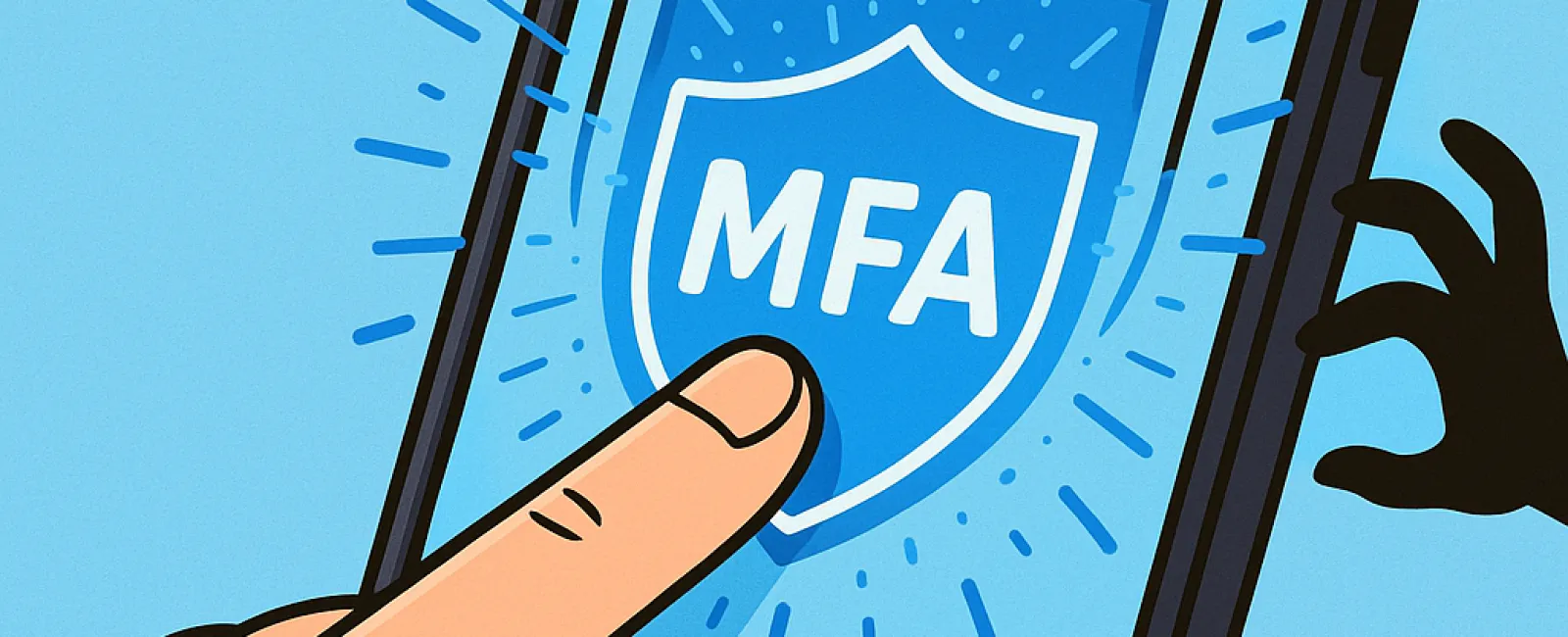
Just like you wouldn't hit the road without buckling your seat belt or leave your office unguarded overnight, why risk going online without multifactor authentication (MFA)?
MFA acts as a critical second barrier for your digital security. Instead of relying solely on a password—which can be stolen, guessed, or phished—it requires an additional verification step. This could be a text message code, an authentication app prompt, or a fingerprint scan. So even if a hacker obtains your password, they'll be blocked without that second confirmation.
How One Extra Step Can Transform Your Security
If your password is like locking the door to your home, MFA is the security alarm system that safeguards you even further. While not mandatory, it offers invaluable peace of mind by backing up your primary defense if it ever fails.
MFA introduces a swift, simple action to validate your identity at login. Known by various names—such as "two-step verification," "two-factor authentication," or "one-time password"—the concept remains the same: requiring two or more proof points before granting access to sensitive accounts and data.
Common MFA methods include confirmation emails during account creation, answering security questions, receiving text codes, approving push notifications, or phone-based verifications. Most of these steps take just a tap or quick code entry.
Real-Life Scenarios Where MFA Shields Your Data
From your perspective, MFA is hassle-free—simply enter a code or tap a button and you're done. But for cybercriminals attempting unauthorized access, it's a formidable obstacle. When someone tries to breach your account, MFA immediately alerts you by sending a notification or requiring a special code. This early warning lets you update your password before a breach escalates.
MFA also thwarts hackers using stolen passwords or credentials tricked out of employees, as they can't pass the extra verification step. In fact, Microsoft's research reveals that MFA cuts the risk of account compromise by over 99.2%, reaching 99.99% for accounts with strong MFA applied.
Where to Prioritize MFA and How to Activate It
Ensure MFA protection especially on these critical platforms:
- Banking and finance applications
- Email accounts and cloud storage services
- Social media profiles
- Work-related logins holding client or proprietary data
Activating MFA is typically straightforward. Most major platforms provide built-in MFA options—select the method that suits you best and integrate it into your daily routine. Employing an authenticator app is a simple step to secure staff logins further.
In essence, setting up MFA is a fast, cost-free defense against the majority of account breaches. Investing just a few minutes today to enable it could save you from extensive damage and lost data in the future.
The simplest way to get MFA up and running is by reaching out to your IT provider. A skilled MSP can streamline implementation and offer expert guidance. If you're looking for a cybersecurity partner, click here or call us at (502) 473-9330 to schedule a 15-Minute Discovery Call with our team now.